Documentation Index
Fetch the complete documentation index at: https://dripart-mintlify-e28287af.mintlify.app/llms.txt
Use this file to discover all available pages before exploring further.
How to change your subscription plan
You can upgrade or downgrade your Comfy Cloud subscription plan at any time. Follow these steps to change your plan:Step 1: Open the settings panel
Click the Plan & Credits menu to open the settings panel.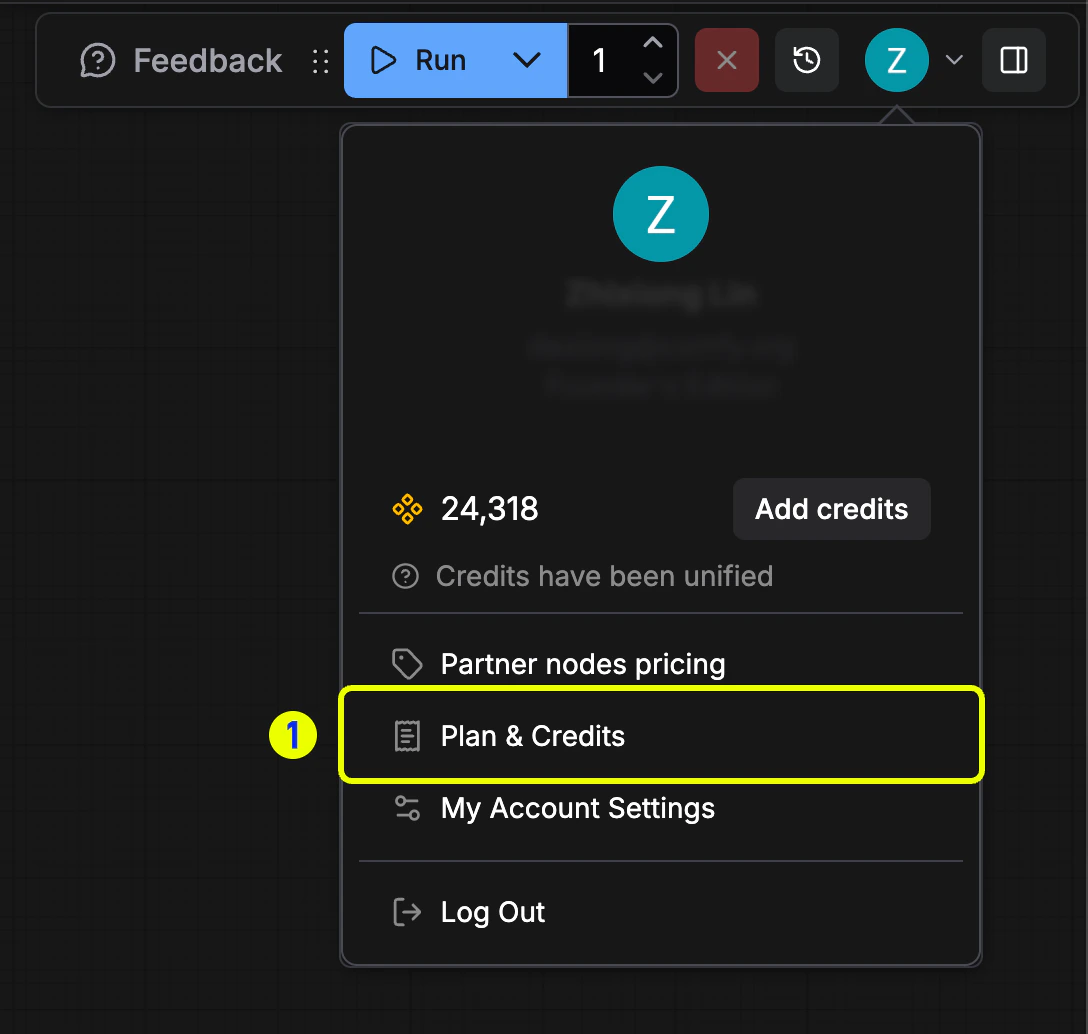
Step 2: Access subscription management
In the Plan & Credits panel, click the Manage subscription button to open the subscription settings.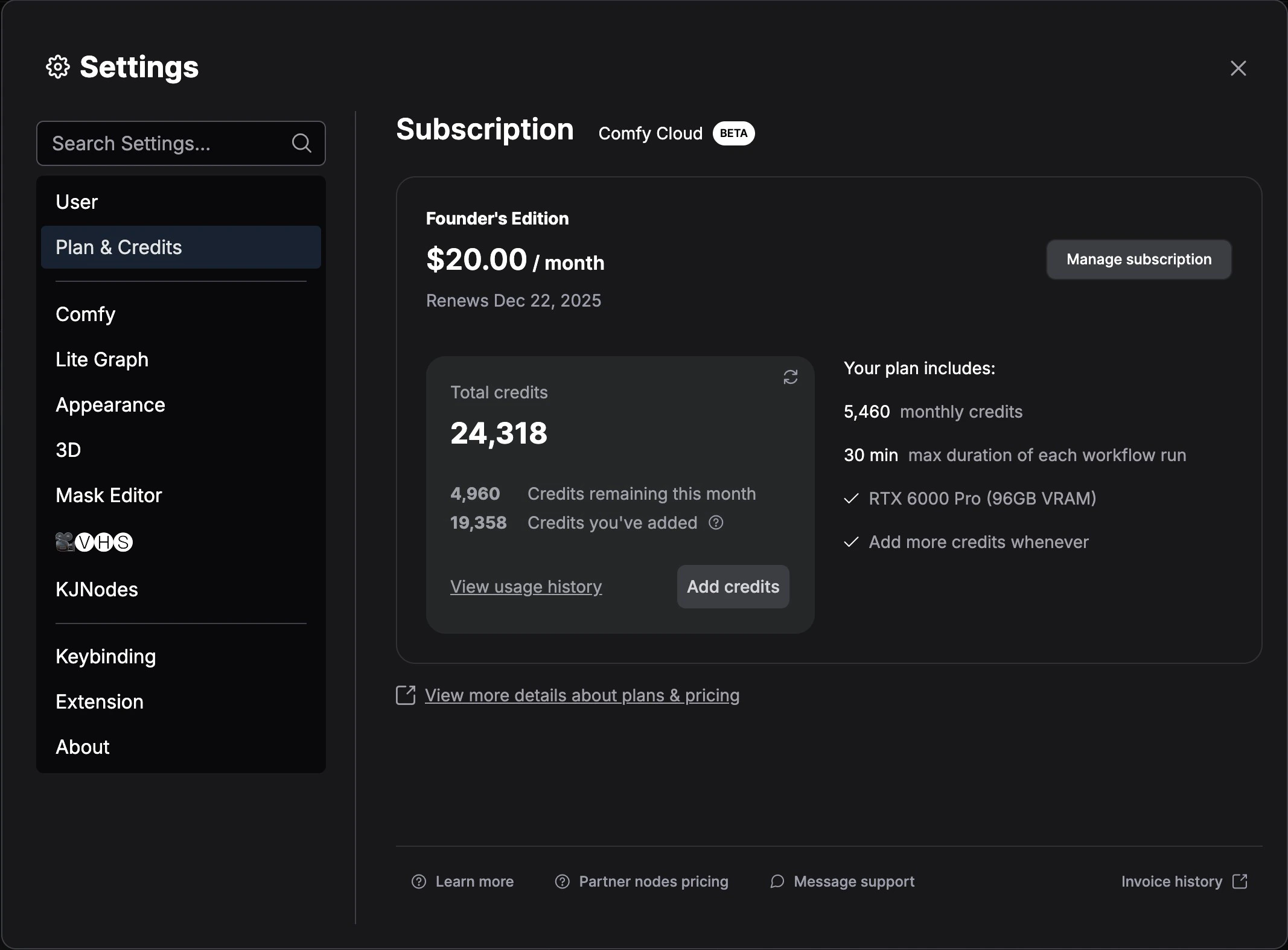
Step 3: Select a new plan
Select any plan you want, then click the Change button.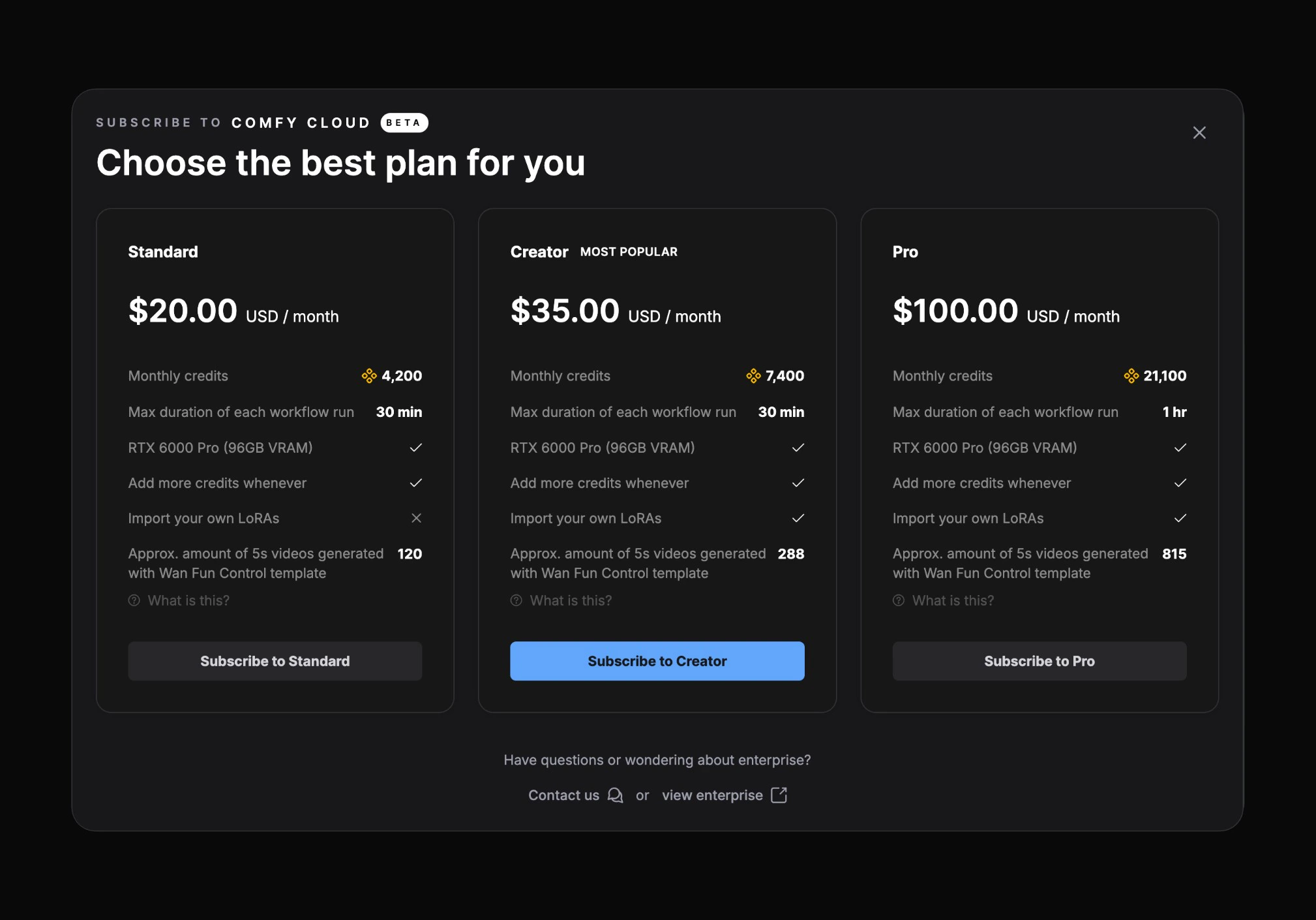
Step 4: Open the billing portal
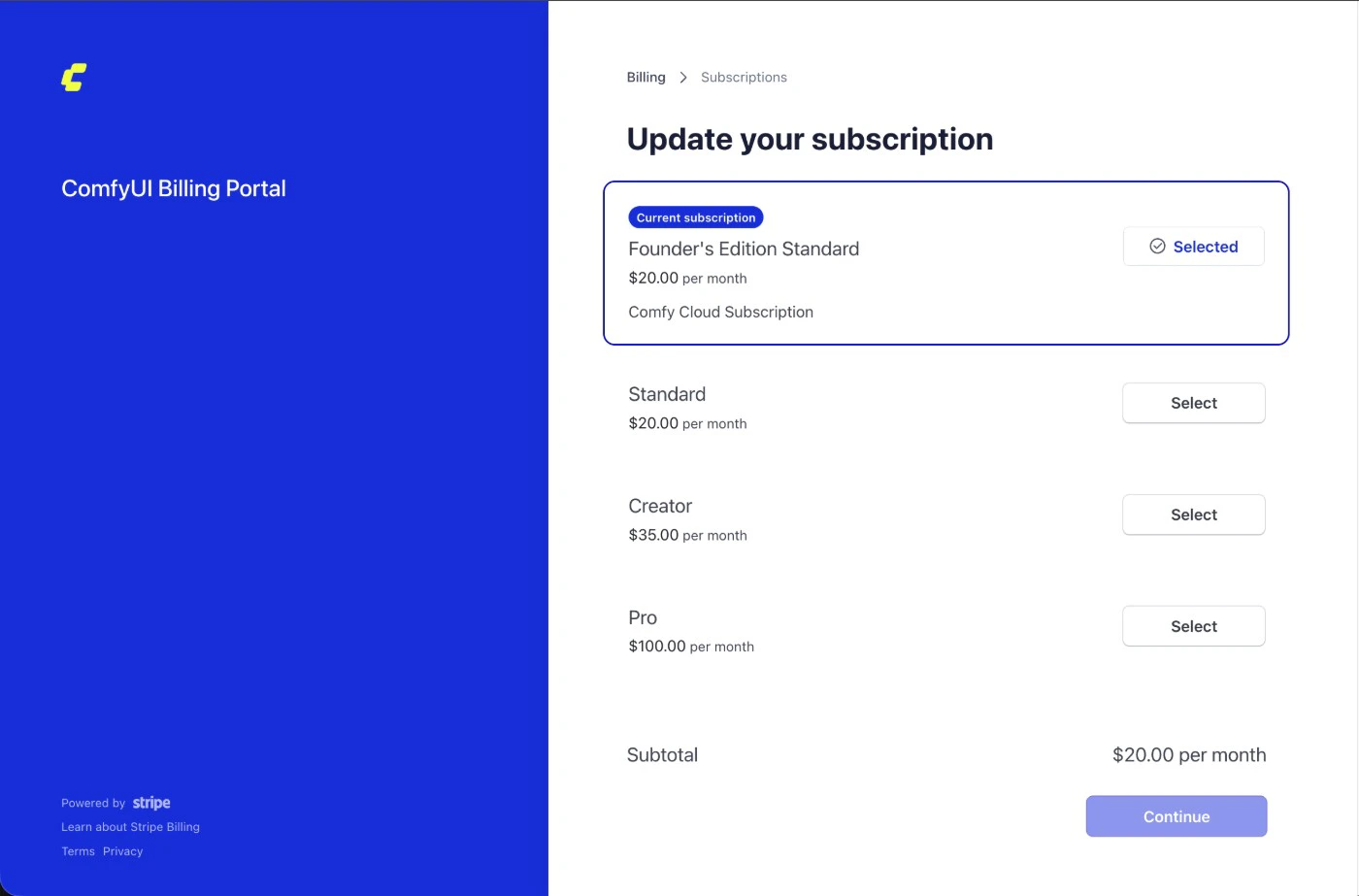
After opening the Comfy billing portal, click the Update subscription button.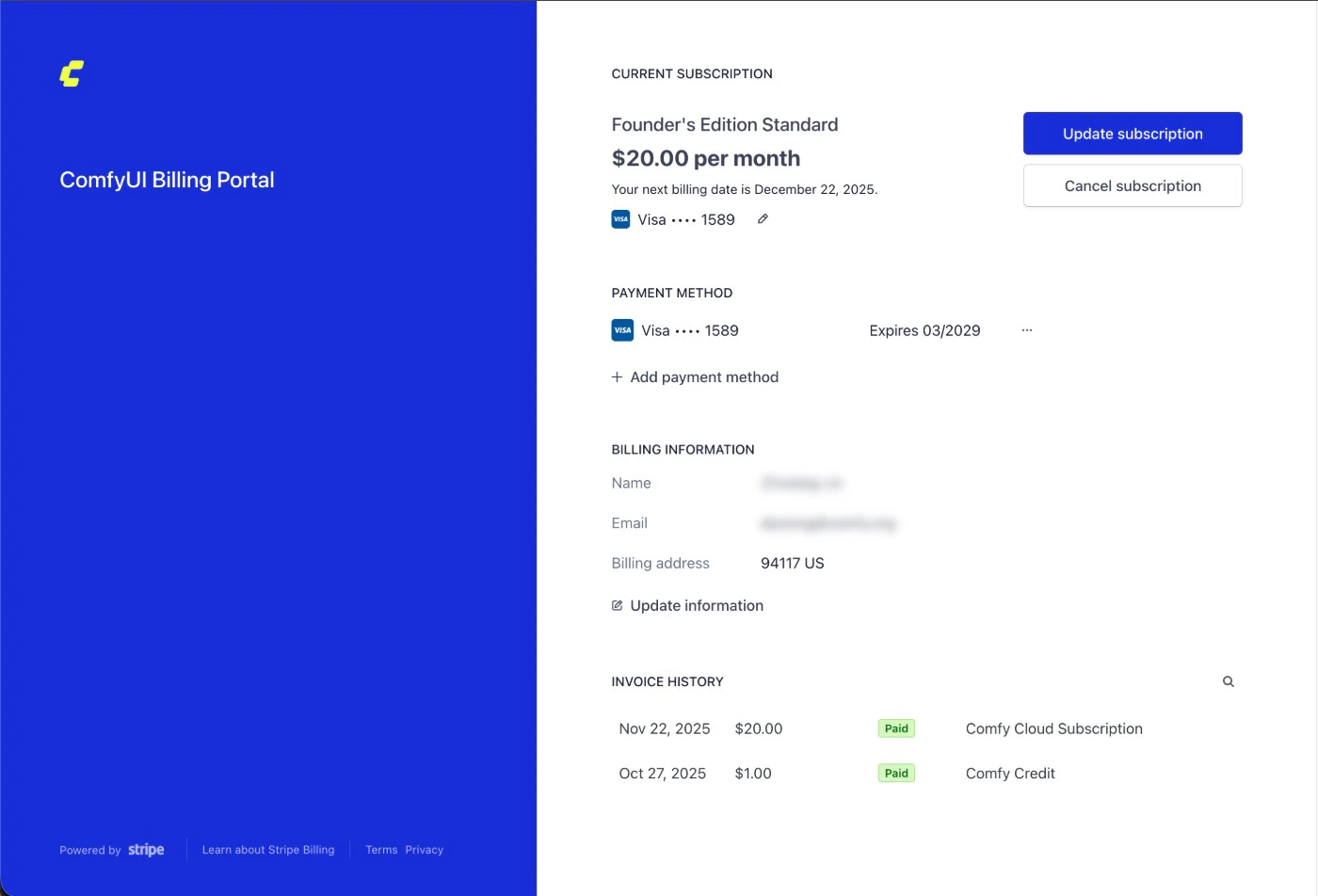
Step 5: Confirm your new plan
Select the plan you want, then click Continue to confirm your selection.