

Your Comfy account gives you access to partner nodes (API node) and cloud subscriptions, enabling you to use premium features and services across the ComfyUI platform.Documentation Index
Fetch the complete documentation index at: https://dripart-mintlify-e28287af.mintlify.app/llms.txt
Use this file to discover all available pages before exploring further.
Supported login methods
ComfyUI supports the following login methods:- Email: Log in with your email address and password
- Google: Log in with your Google account
- GitHub: Log in with your GitHub account
Logging in on Comfy Cloud
To access your Comfy account for ComfyUI on Comfy Cloud:- Navigate to Comfy Cloud
- Click Log in or Sign in
- Choose your login method:
- Email: Enter your email address and password, then click Log in
- Google: Click the Google login button and authenticate
- GitHub: Click the GitHub login button and authenticate
Logging in locally
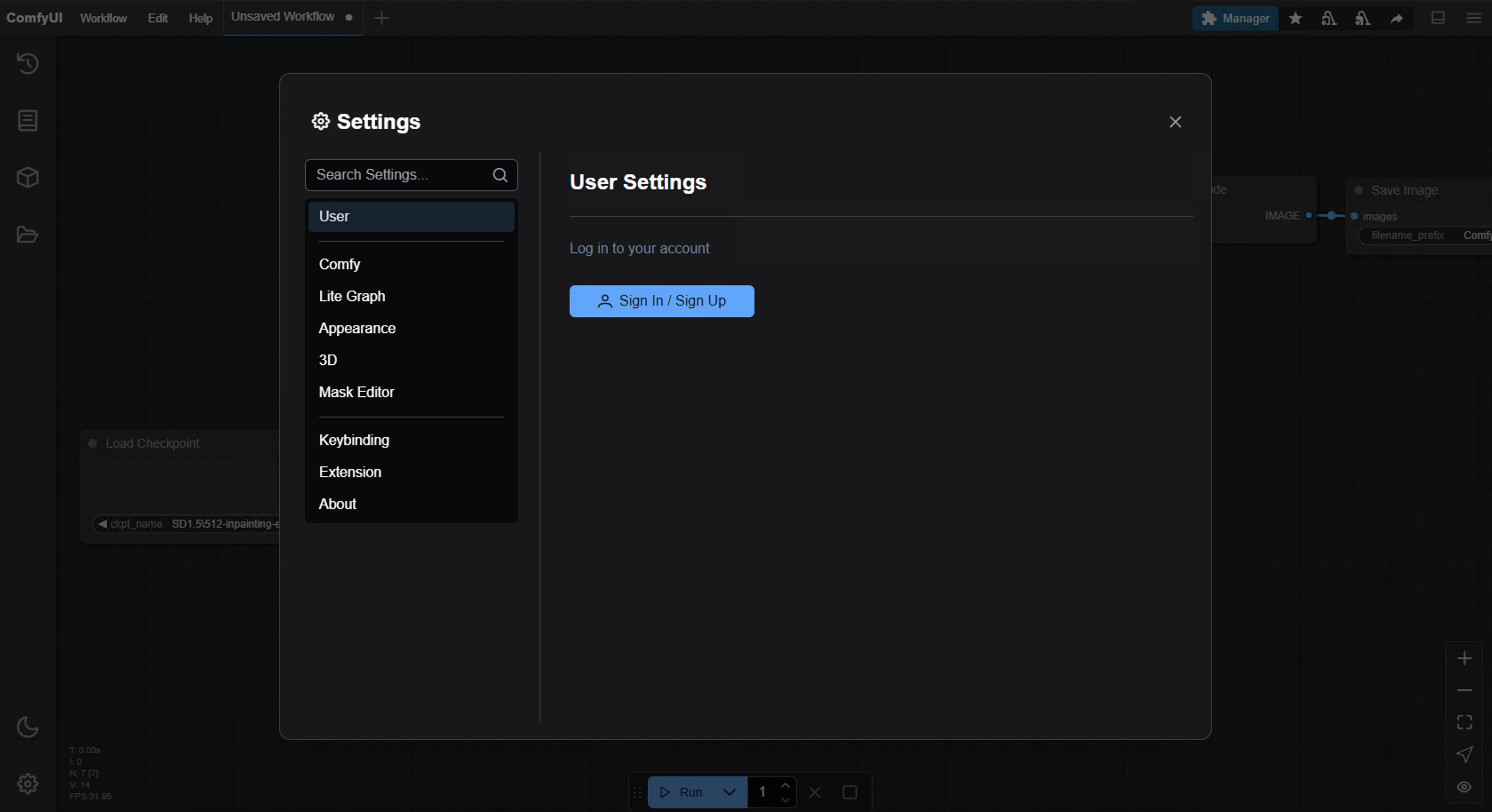
If you have ComfyUI installed locally:- Open ComfyUI on your local machine
- Navigate to Settings in the interface
- Go to the User section (see User settings for details)
- Choose your login method:
- Email: Enter your email address and password
- Google: Click the Google login button and authenticate
- GitHub: Click the GitHub login button and authenticate
- API Key: Use an API Key for non-whitelisted deployments (see below)
Logging in with an API Key
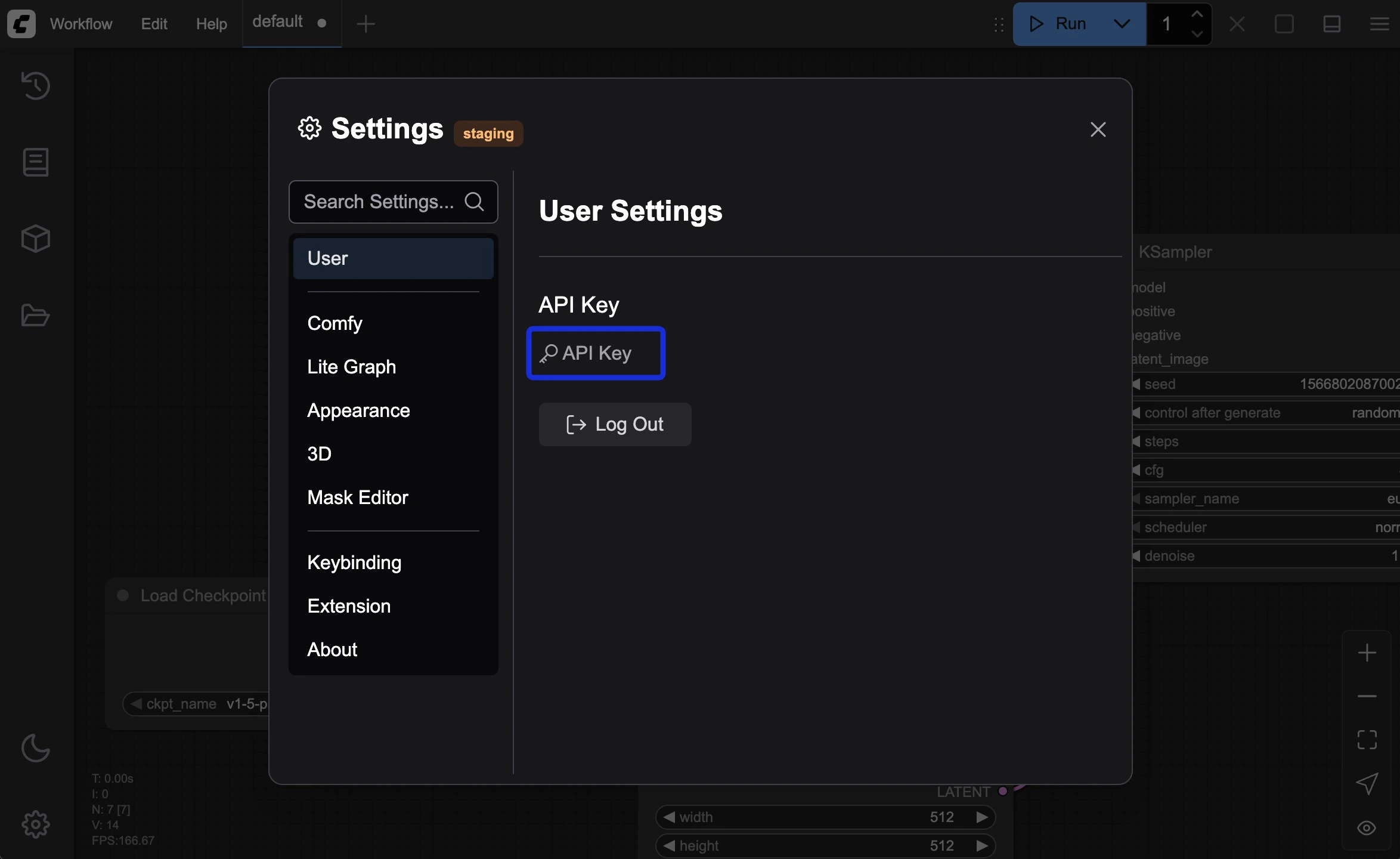
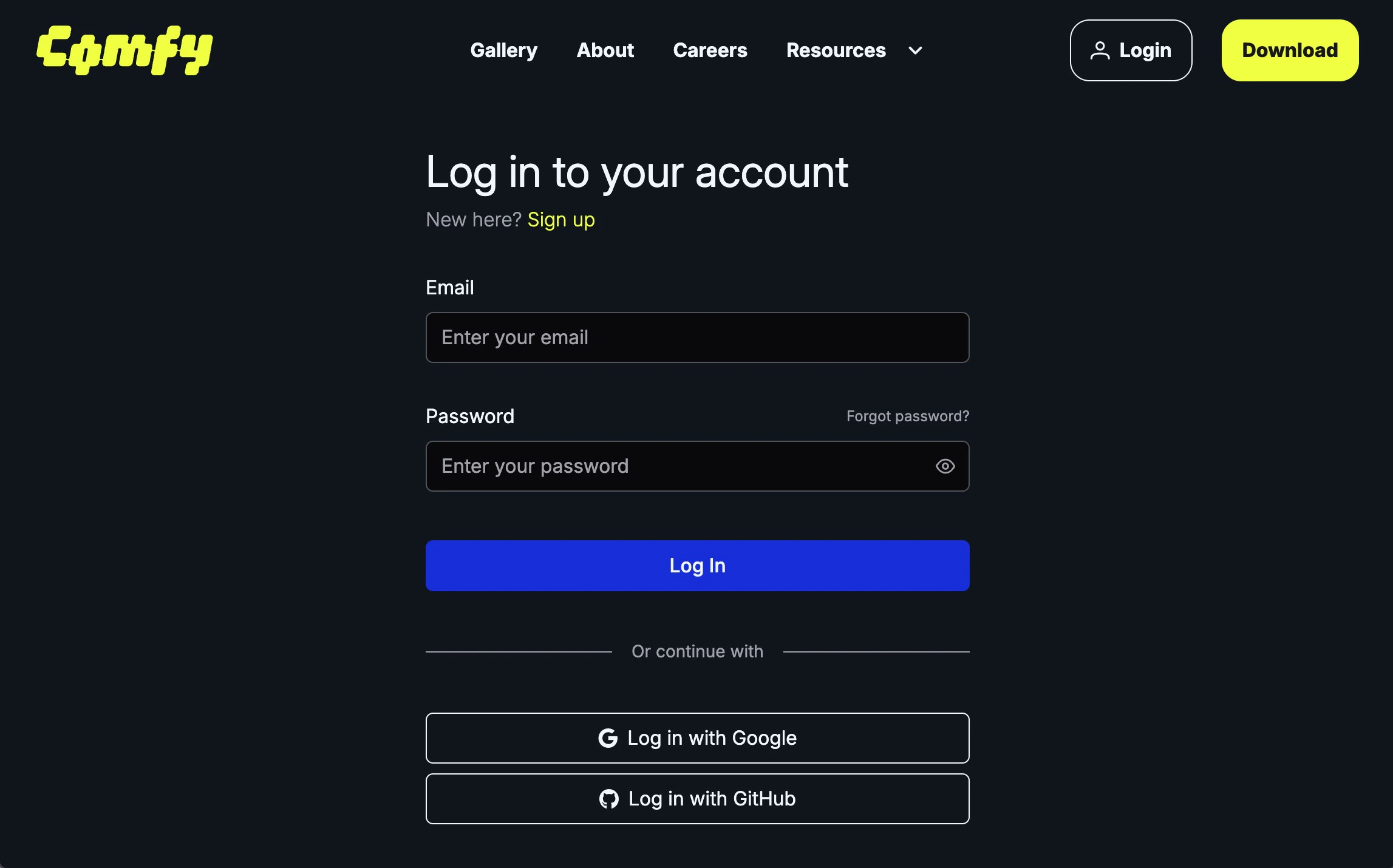
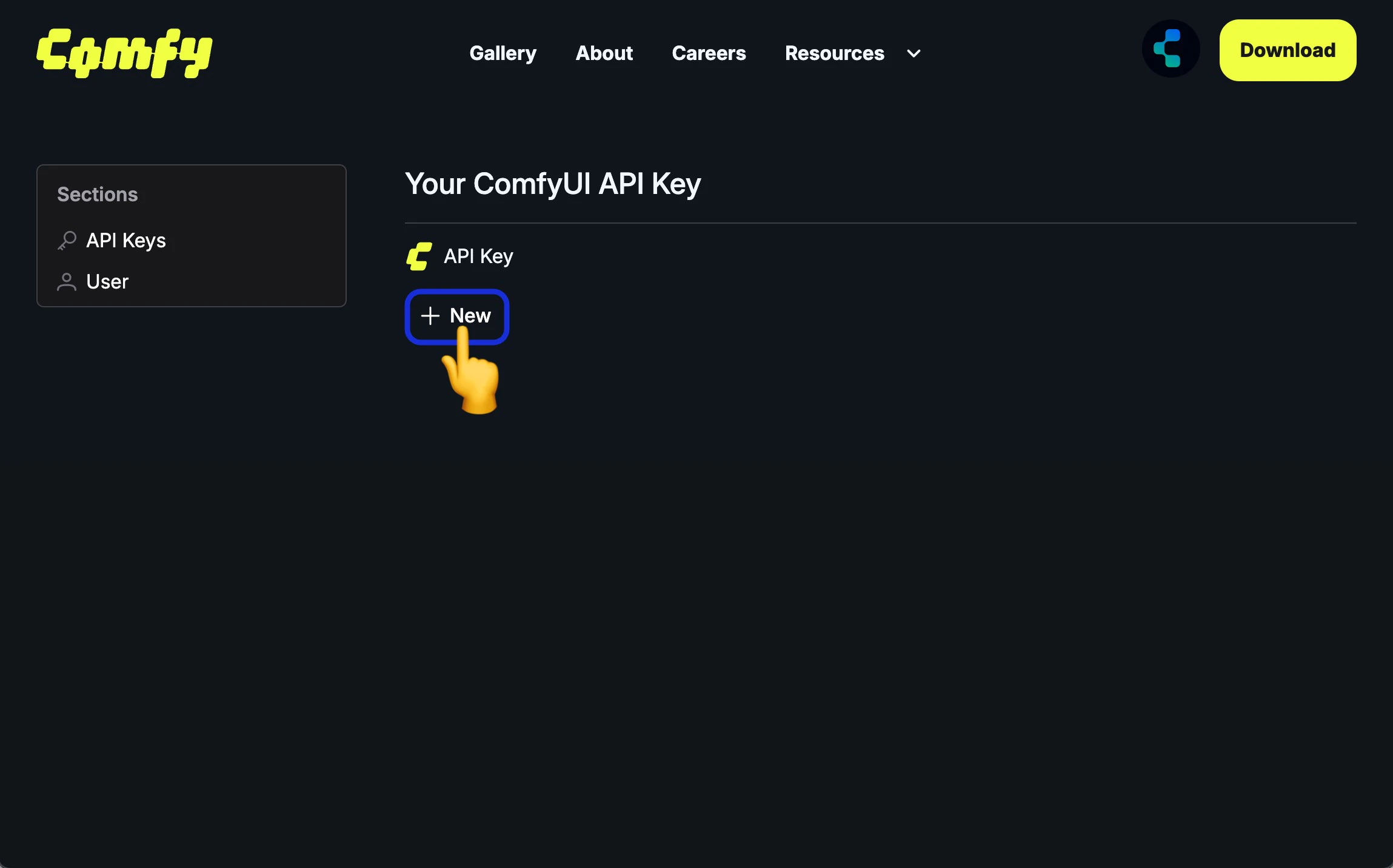
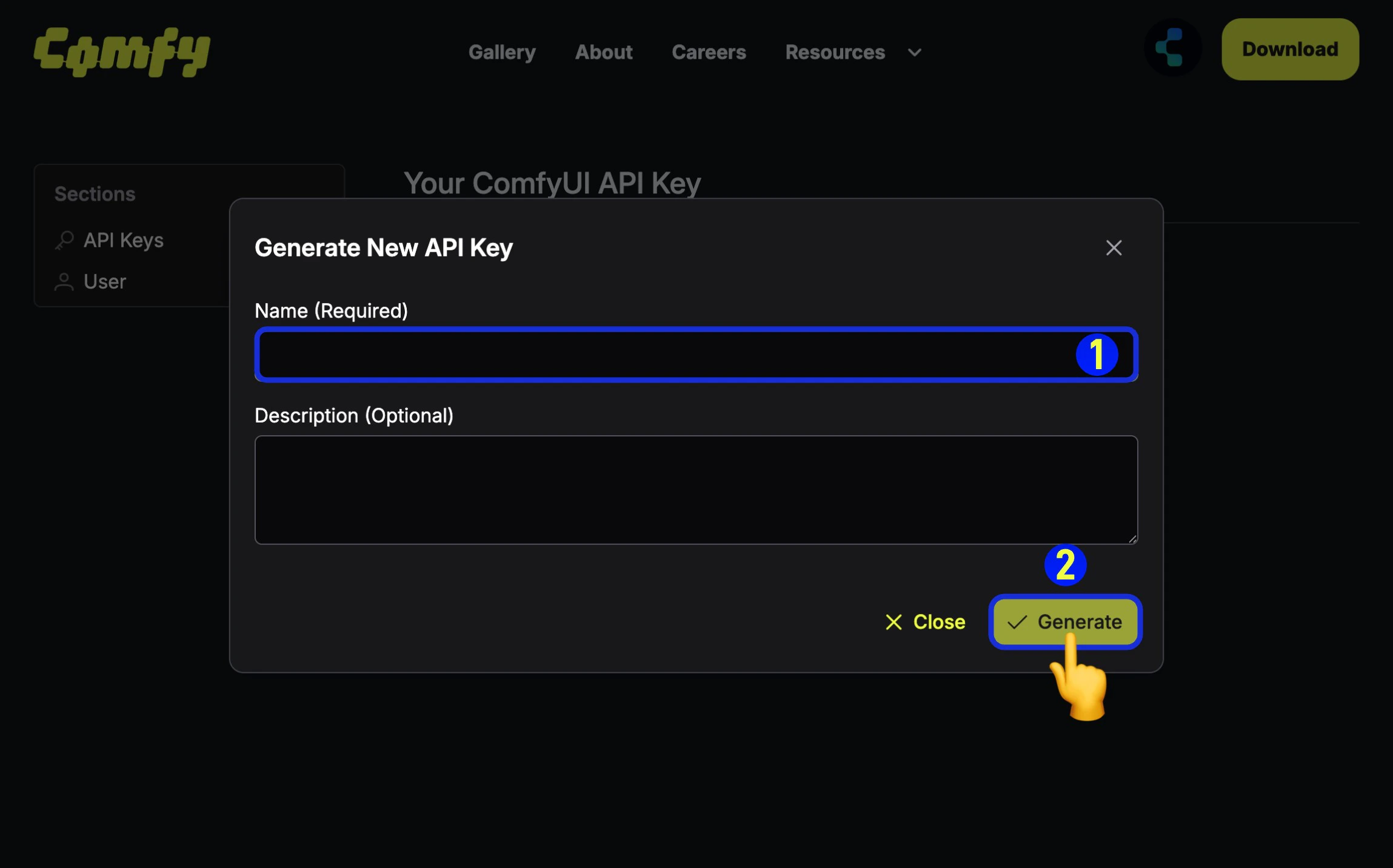
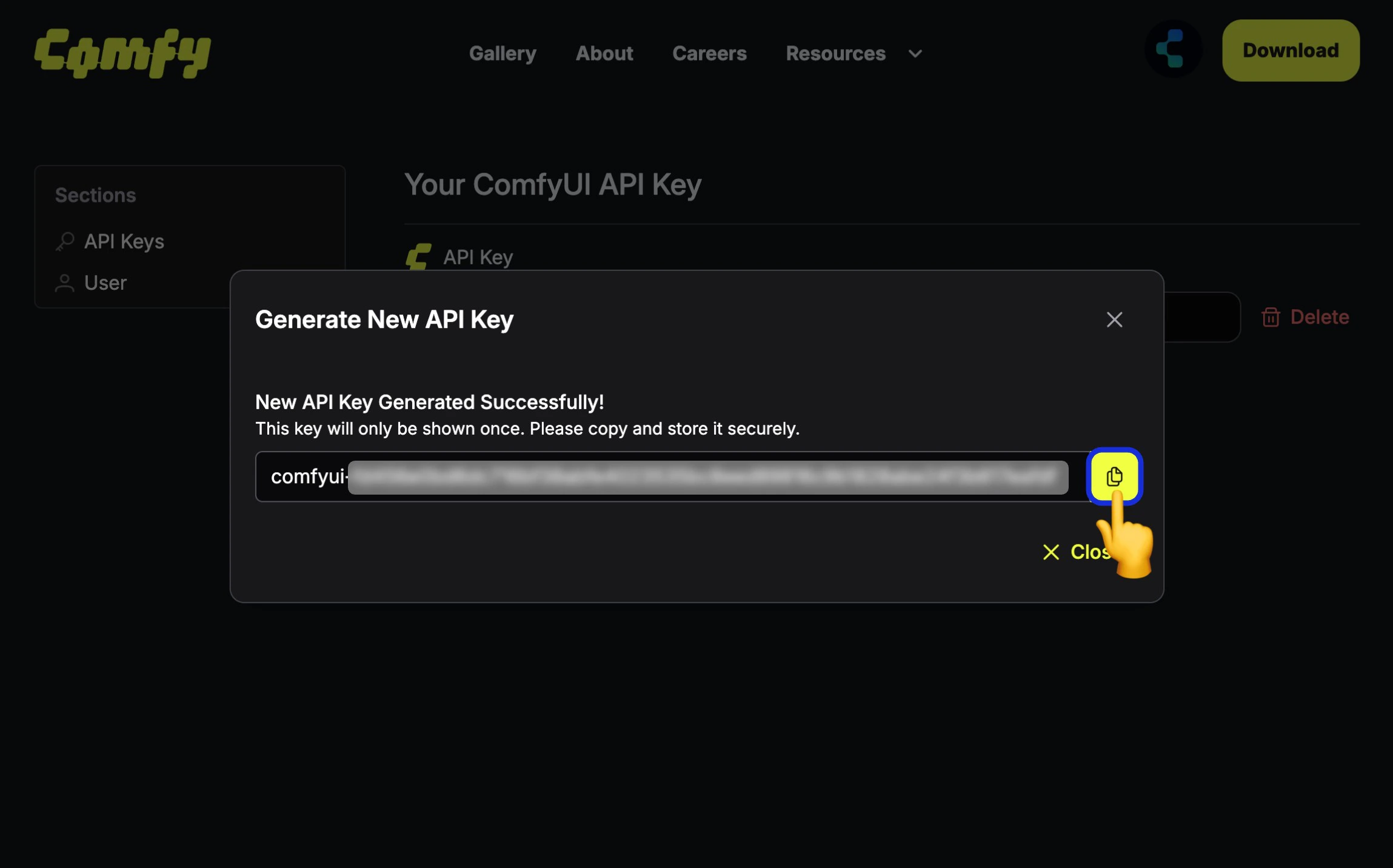
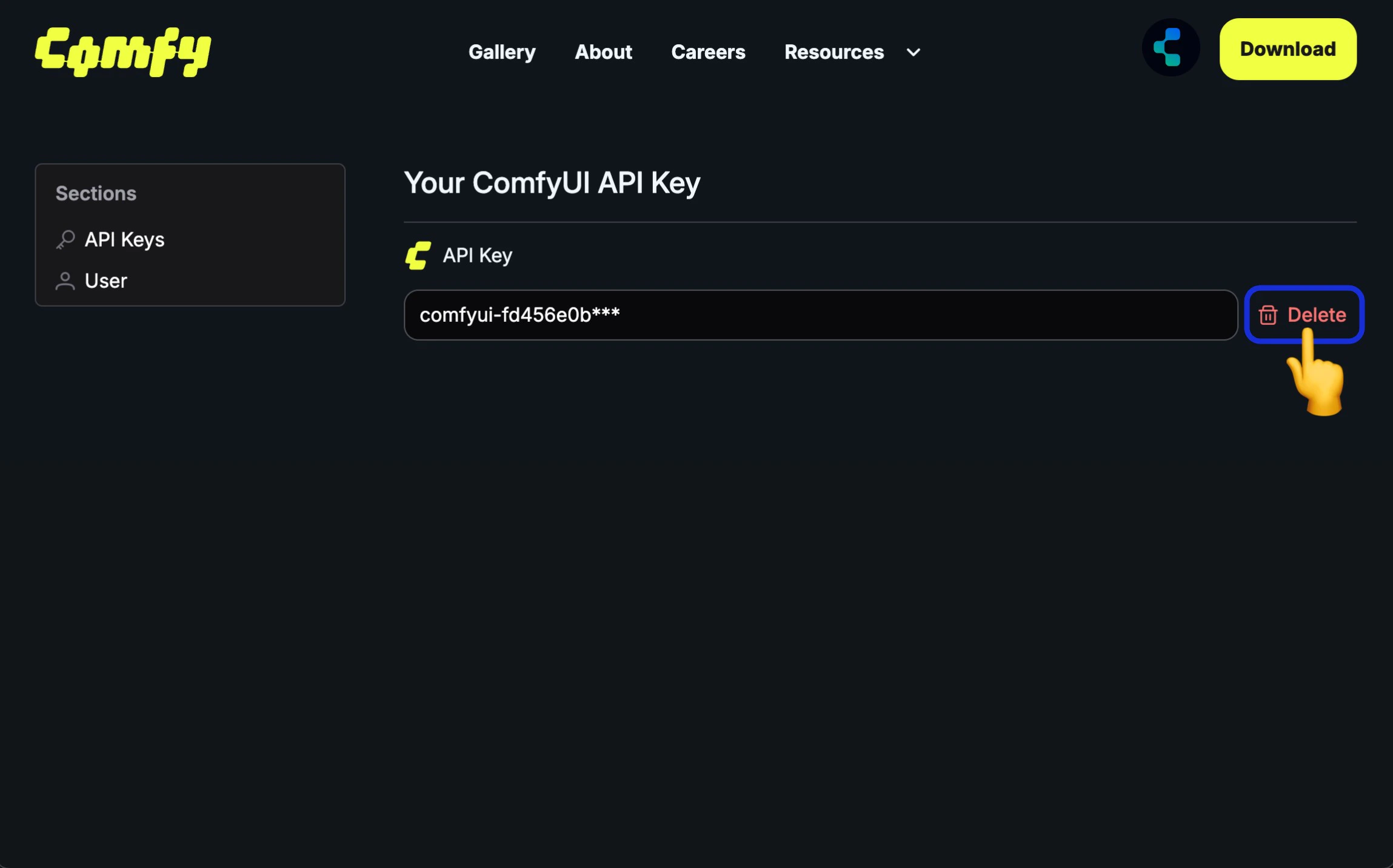
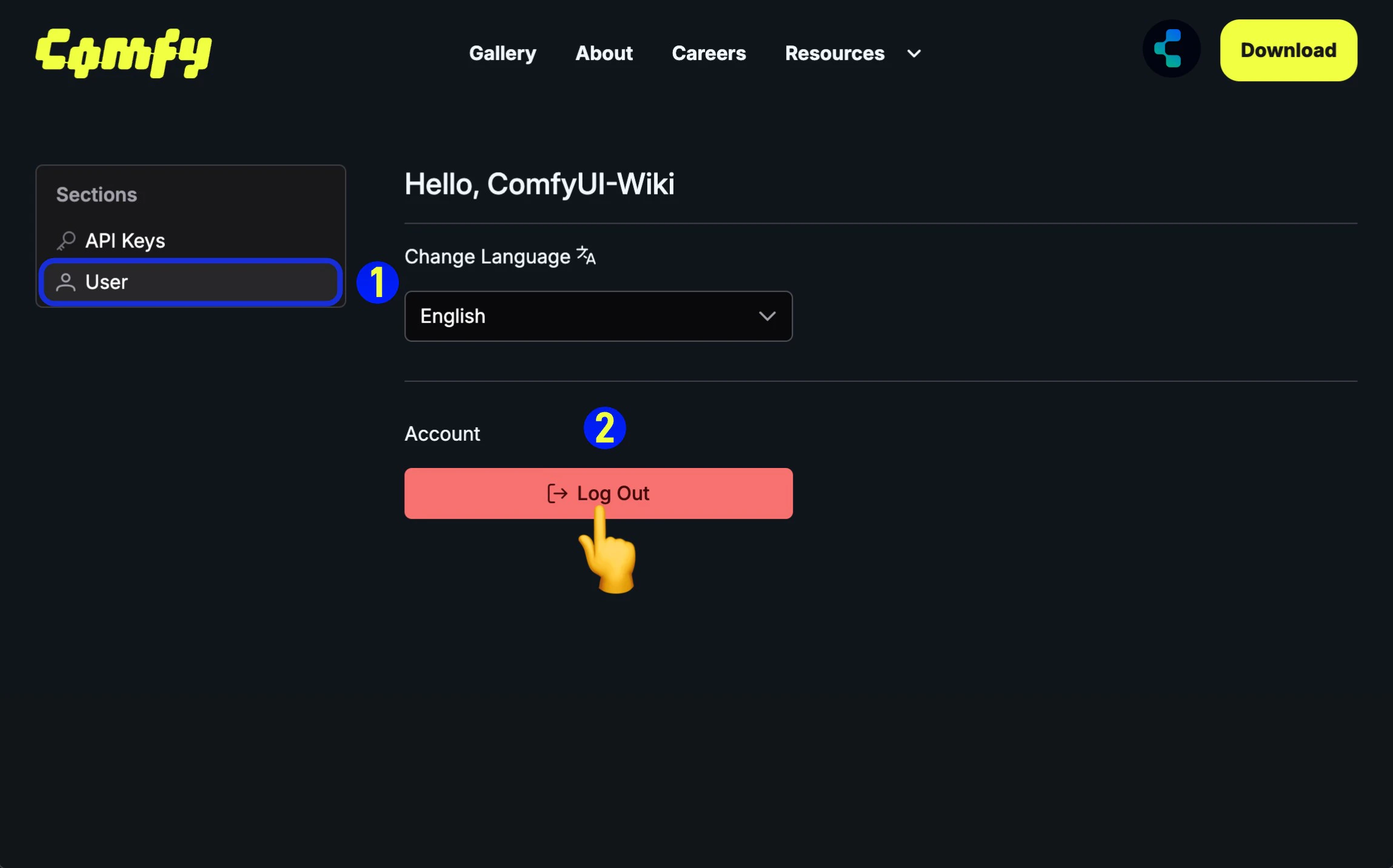
Since not all ComfyUI deployments are on our domain authorization whitelist, we have provided API Key login in a recent update (2025-05-10) for logging in through non-whitelisted sites. Below are the steps for logging in with an API Key:- Have an API Key
- No API Key, Apply for an API Key First
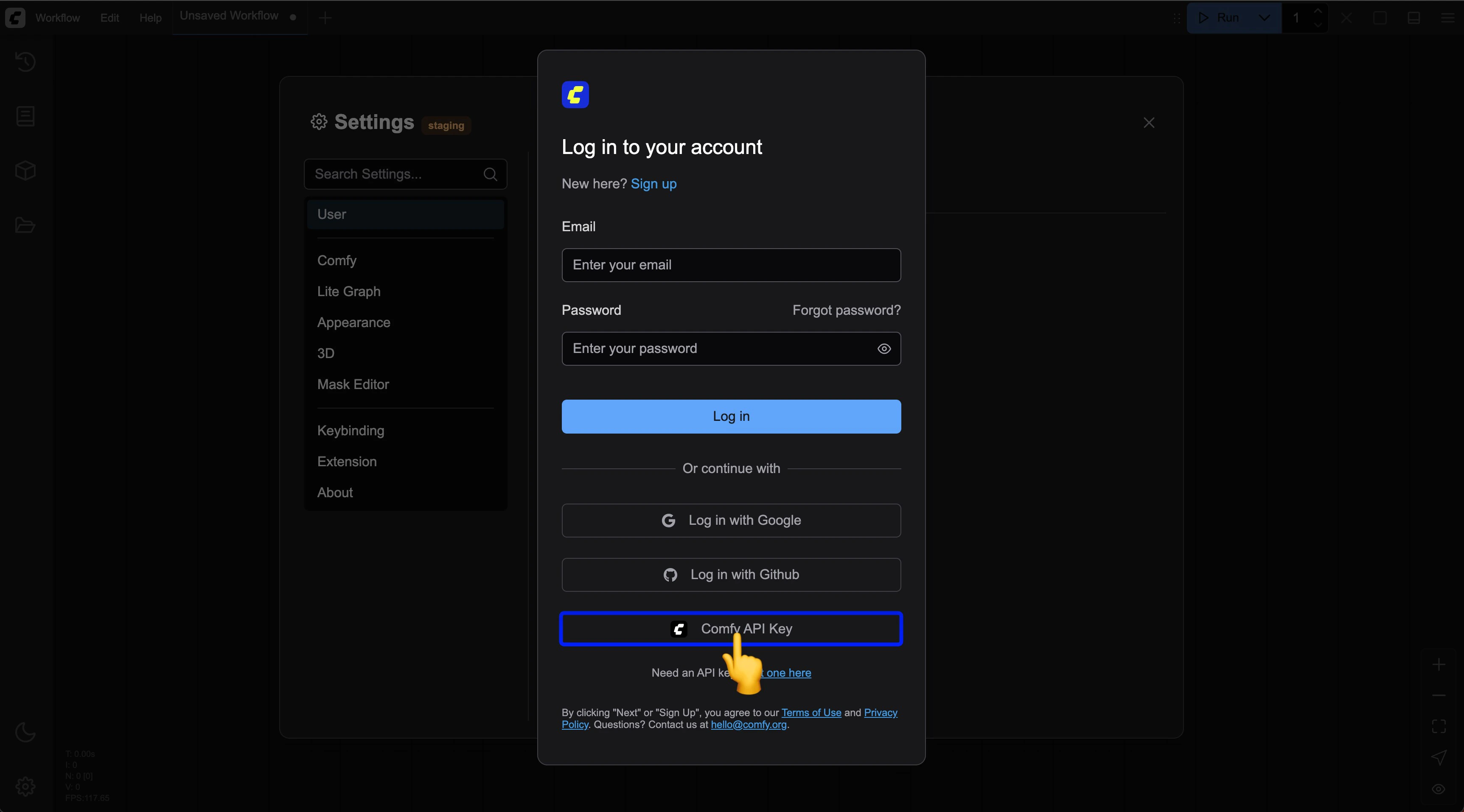
Enter Your API Key
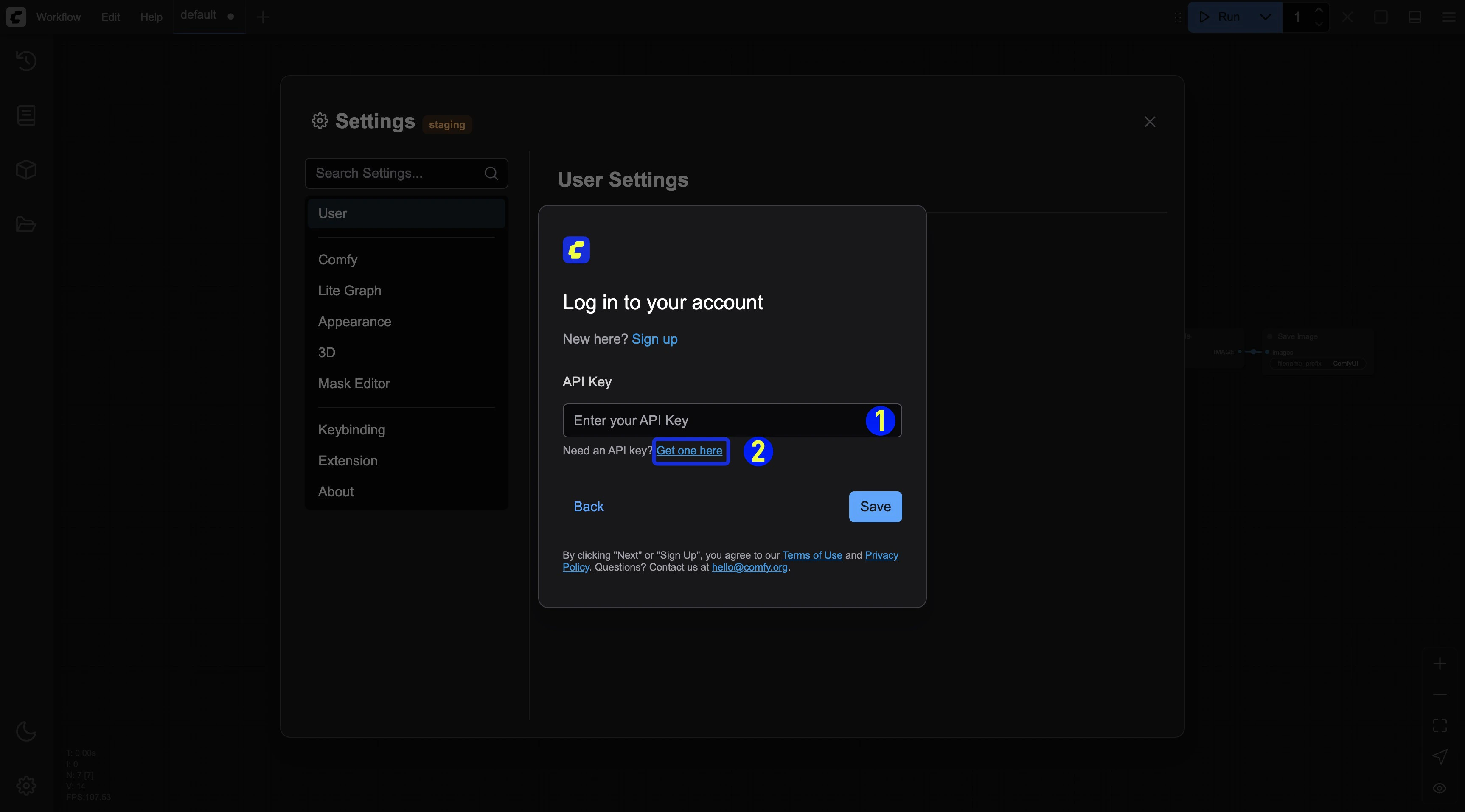
- Enter your API Key and save it
- If you don’t have an API Key, click the
Get one herelink to go to https://platform.comfy.org/login and log in to obtain it.
Forgot your password
If you can’t remember your password (for email login):- Click the Forgot password? link on the login page
- Enter your registered email address
- Check your email for password reset instructions
- Click the reset link in the email
- Create a new password
- Log in with your new password
Troubleshooting login issues
If you’re having trouble logging in:- Verify your email address is correct
- Check that Caps Lock is not enabled when entering your password
- Clear your browser cookies and cache
- Try using a different browser or incognito mode
- Ensure your account email has been verified
- Contact support if issues persist
Security tips
To keep your account secure:- Use a strong, unique password
- Don’t share your login credentials
- Log out when using shared devices
- Regularly update your password