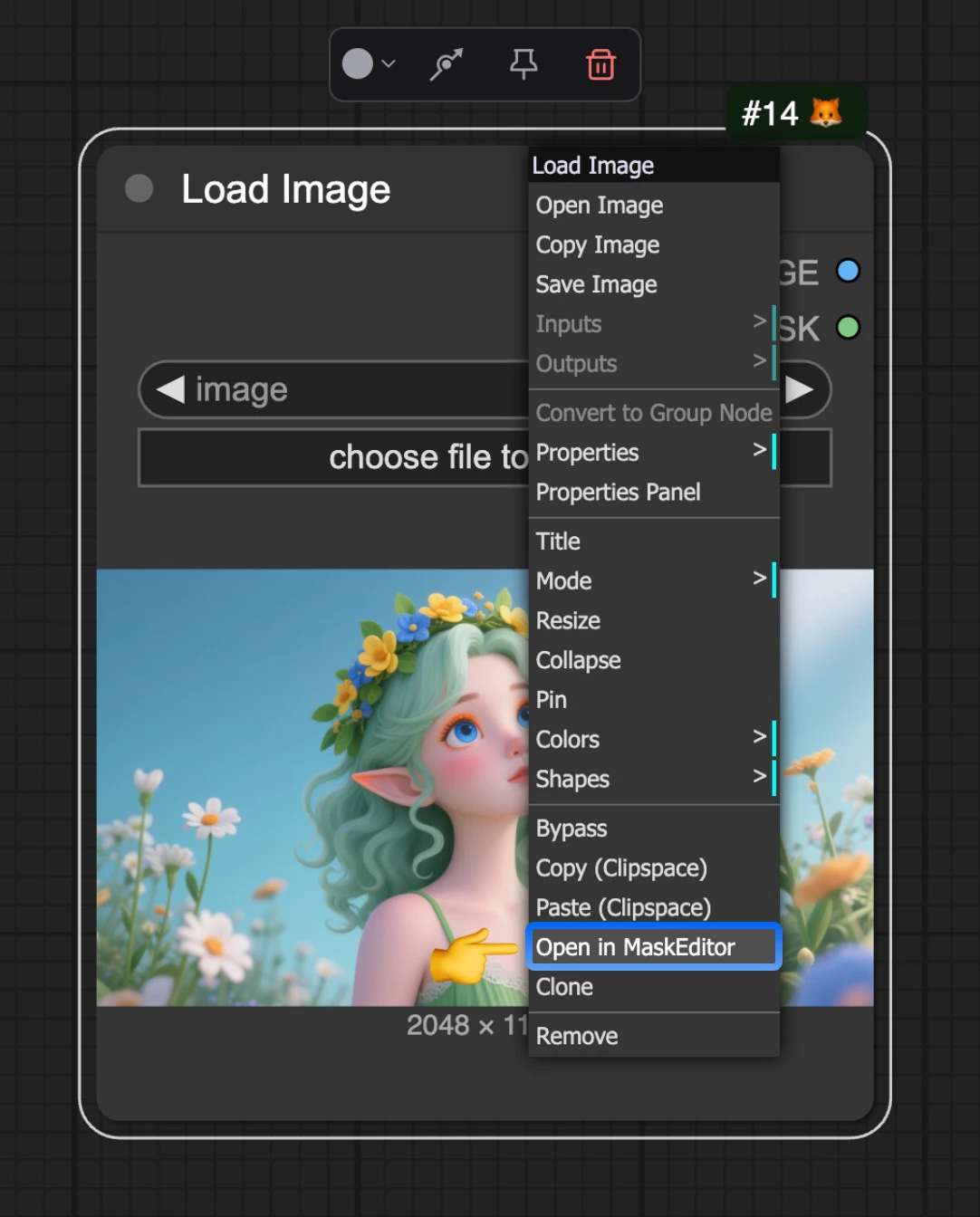
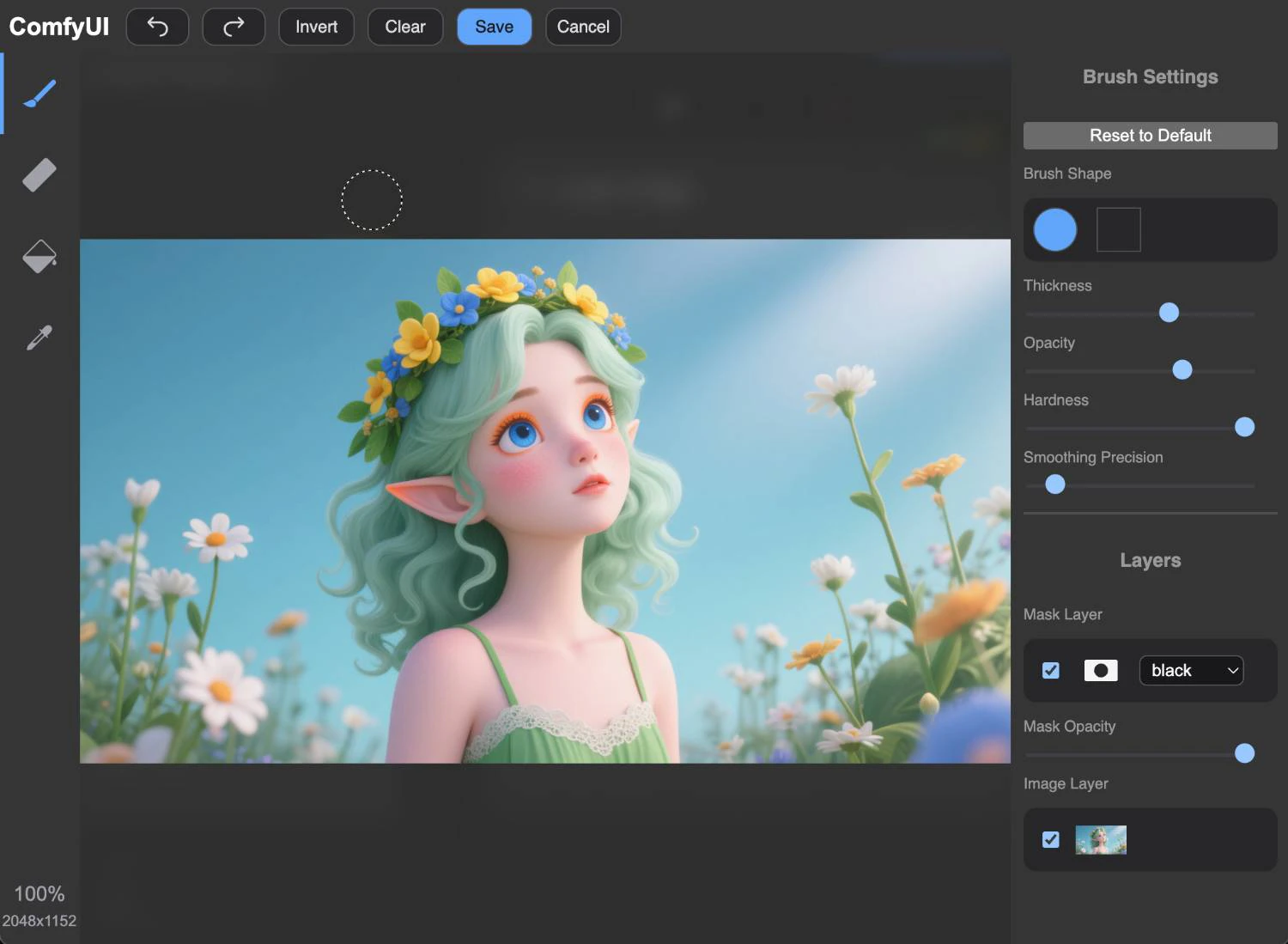
The Mask Editor is a very useful feature in ComfyUI that allows users to create and edit masks within images without needing to use other applications. The Mask Editor is currently triggered through theDocumentation Index
Fetch the complete documentation index at: https://dripart-mintlify-e28287af.mintlify.app/llms.txt
Use this file to discover all available pages before exploring further.
Load Image node. After uploading an image, you can right-click on the node and select Open in MaskEditor from the menu to open the Mask Editor.