

Documentation Index
Fetch the complete documentation index at: https://dripart-mintlify-e28287af.mintlify.app/llms.txt
Use this file to discover all available pages before exploring further.
Links connect nodes
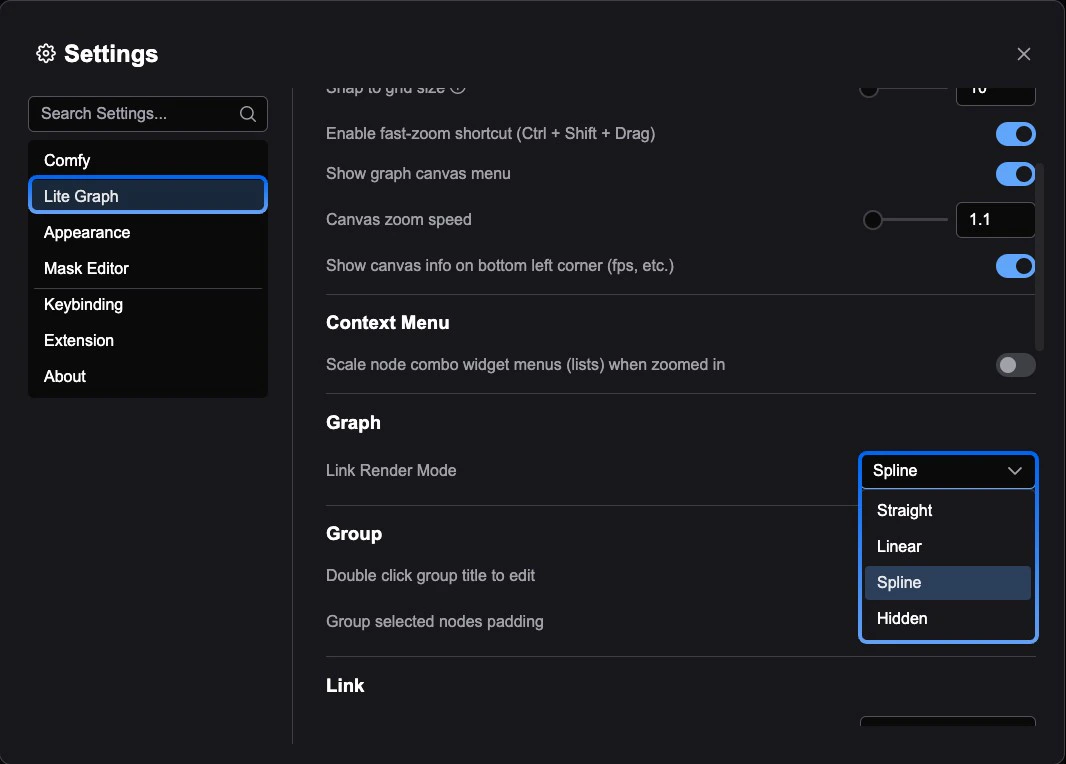
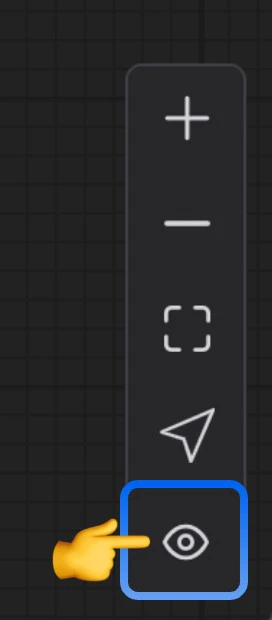
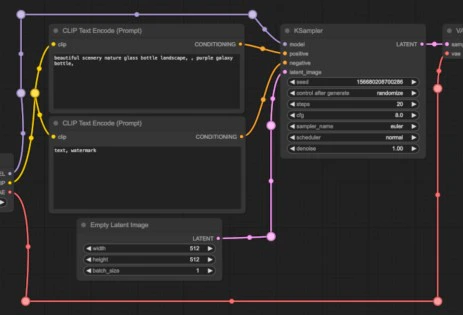
In ComfyUI, the lines or curves drawn between nodes are called links (also referred to as connections or wires). They carry data from one node’s output to another node’s input, defining the flow of your workflow. Links can be displayed in several visual styles: curves, right angles, straight lines, or hidden entirely.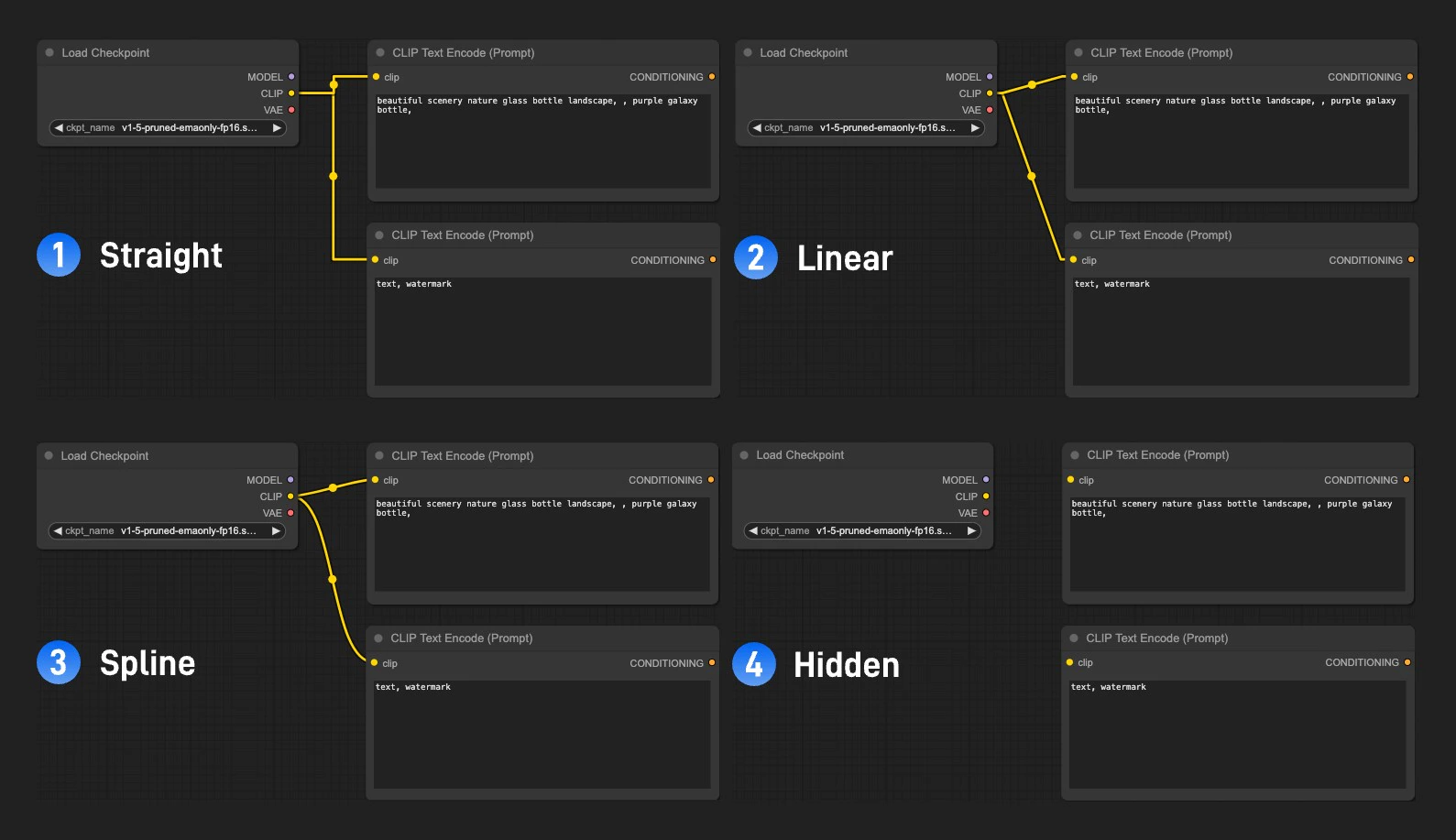
Reroute node
When a workflow becomes complex, link wires can overlap or pass behind nodes, making it hard to read. The Reroute node lets you manually redirect a wire through any point in the 2D graph space, keeping the layout clean and legible.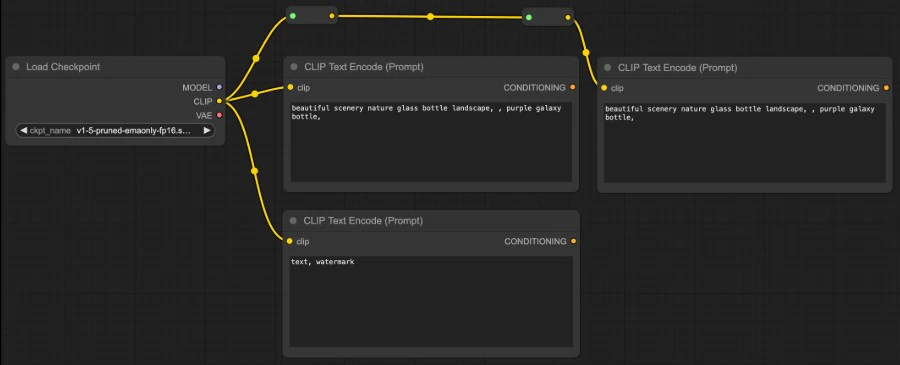
Color-coding
Every data type in ComfyUI has a distinct color. Node input and output ports, as well as the link wires connecting them, all share this color scheme. You can only connect ports of the same color — this ensures type safety across your workflow.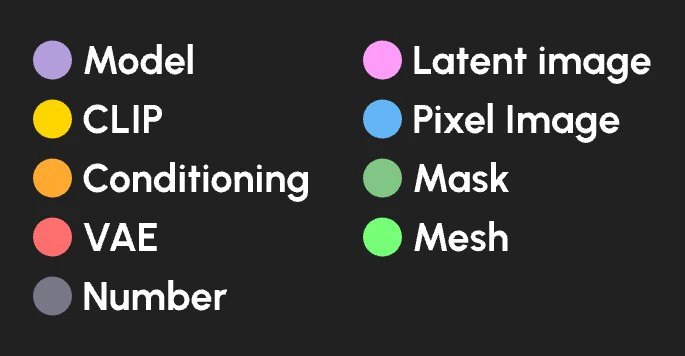
| Data type | Color |
|---|---|
| Diffusion model | Lavender |
| CLIP model | Yellow |
| VAE model | Rose |
| Conditioning | Orange |
| Latent Image | Pink |
| Pixel image | Blue |
| Mask | Green |
| Number (integer or float) | Gray |
| Mesh | Bright green |